

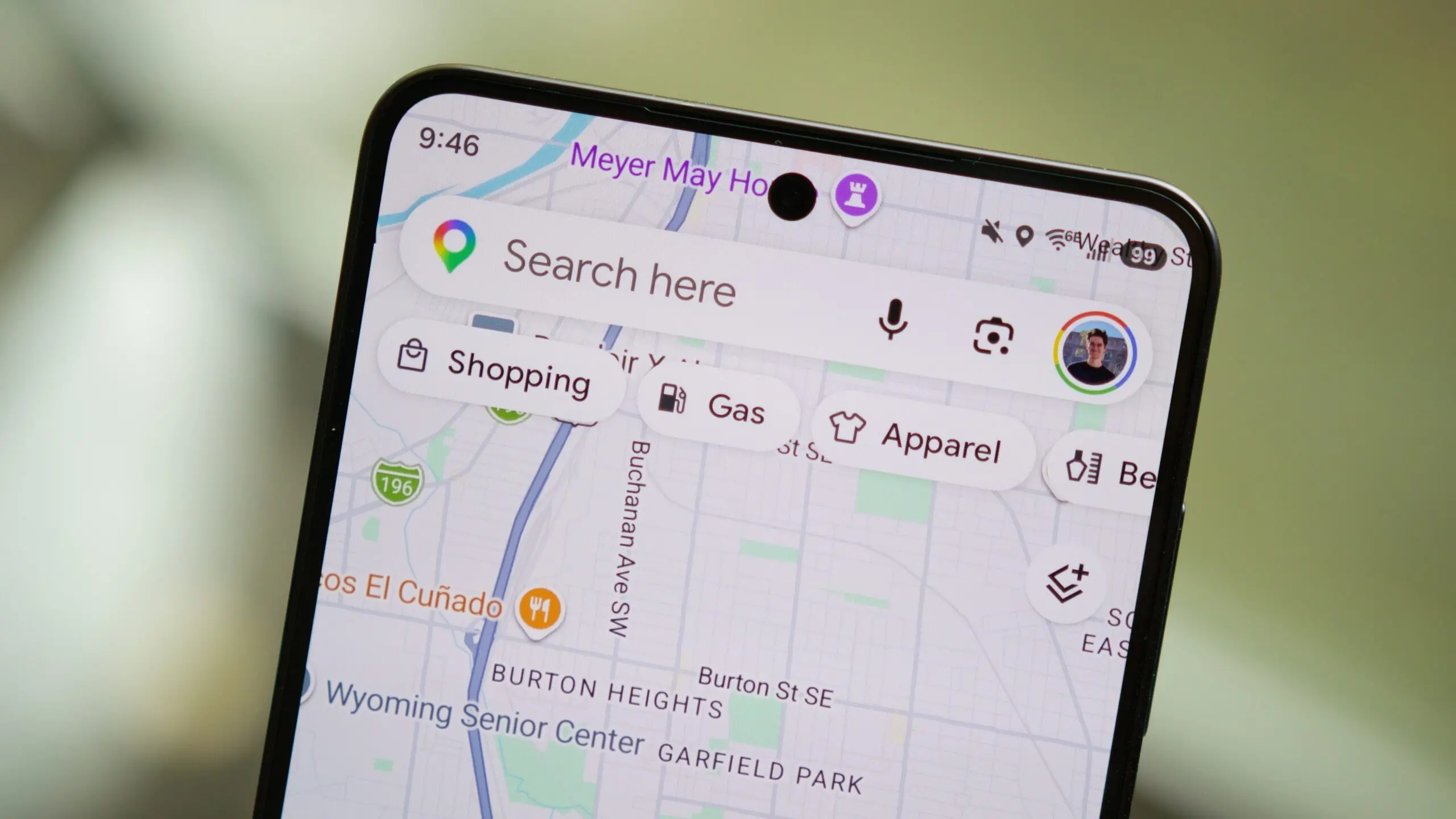
Google Maps is preparing to make its artificial intelligence features more accessible while you're on the go. Recent code discoveries in the app's latest version indicate that the company is testing a rearrangement of key controls on the navigation screen, with a clear focus on one-handed use and quicker access to AI tools. The changes affect the placement of the Gemini icon, the exit button, alternate routes, and the way Ask Maps suggestions are presented.
According to teardowns of Google Maps v26.30.00, several visual modifications are in the pipeline. While none of these features are publicly available yet, they offer a glimpse into how Google intends to weave its AI more deeply into everyday navigation. The most prominent change is the relocation of the Gemini icon from the top-right corner of the "Next turn" header to the bottom-left area of the screen. This move is designed to bring the AI assistant within easier reach of the thumb when holding the phone with one hand—a critical improvement for safety and convenience while driving or walking.
Currently, when navigation is active, the bottom sheet on Google Maps shows only the exit icon on the left, alternate routes on the right, and basic route details in the center. Under the new design, the exit icon becomes more prominent and shifts to the right side of the bottom sheet, while the Gemini icon takes its place on the left. The alternate routes icon is moved outside the bottom sheet, appearing just above the report button. This reorganization frees up space and reduces clutter, making it easier to tap the most important controls without stretching your fingers.
A history of AI integration in Google Maps
Google has been gradually infusing AI into its mapping service for years. In 2024, the company introduced the Gemini assistant within Google Maps, allowing users to ask natural language questions about places, get personalized recommendations, and receive contextual suggestions during navigation. The Ask Maps feature, launched shortly after, provides pre-written prompts that help users discover nearby restaurants, attractions, or gas stations without typing. These AI tools represent a shift from passive navigation to an interactive, conversational experience.
The current UI places these AI features in the top-right corner, which is not ideal for one-handed operation—especially on larger smartphones. Moving the Gemini icon to the bottom-left aligns with industry best practices for thumb-friendly design. Other apps, such as Apple Maps and Waze, have also moved key controls to the bottom of the screen to accommodate larger displays. Google's latest move brings its interface in line with these ergonomic standards.
Ask Maps suggestions become vertical and scroll-free
Another notable change involves the Ask Maps suggestion interface. Currently, when you open Ask Maps, you see horizontally scrollable cards that show two or three suggestions before requiring a swipe. The new design replaces these cards with a vertical list that displays all five suggestions at once, without any scrolling. This eliminates the need to swipe and allows users to see the full range of AI-generated prompts instantly.
The vertical layout is not only more intuitive but also reduces the cognitive load on the user. Instead of guessing which suggestions are hidden off-screen, drivers or pedestrians can quickly scan and tap the prompt they want. This is especially useful in situations where hands-free interaction is preferred, as the larger touch targets make it easier to select an option accurately.
A new Plus icon bridges to Tell Maps
Additionally, Google is testing a new Plus icon inside the input field of the search bar. When tapped, this icon reveals two quick actions: "Post a tip or photo" and "Update a place." Both options lead to the upcoming Tell Maps feature, which uses AI to help users contribute information about locations more seamlessly. Tell Maps, first spotted earlier this year, is designed to simplify the process of adding reviews, photos, and corrections to the map, potentially using natural language processing to understand user input.
This Plus icon essentially creates a shortcut to the content creation tools within Google Maps, making it easier for users to contribute without navigating through multiple menus. It also highlights Google's broader strategy of turning Maps into a two-way conversational platform where users not only consume information but also supply it via AI-assisted tools.
Implications for one-handed usability and safety
The overarching theme of these changes is improving one-handed usability, which directly impacts safety. When driving, even a brief glance away from the road can be dangerous. By placing the Gemini icon and other controls within the natural thumb zone, Google reduces the need to stretch or change grip, allowing drivers to tap or swipe with minimal distraction. The same principle applies to pedestrians walking while using their phones, a common scenario in urban environments.
These UI tweaks come at a time when regulators are increasingly scrutinizing smartphone interfaces for driver distraction. Moving key controls to the bottom of the screen has been shown to reduce the time a driver's eyes are off the road. Google's adoption of this design pattern for its AI features suggests a commitment to safer navigation experiences.
What's next for Google Maps AI
Beyond these interface changes, Google is also working on a feature called Personal Intelligence, which will use past behavior and preferences to offer hyper-personalized route suggestions and recommendations. While still in development, Personal Intelligence is expected to integrate deeply with Gemini and Ask Maps, creating a cohesive AI ecosystem within the app. The upcoming Tell Maps feature, hinted at by the Plus icon, will likely play a role in this ecosystem by allowing users to update map data in real time using voice or text commands.
Google Maps v26.30.00 includes all these code references, but none of the features are live yet. The company may roll them out gradually through server-side updates, as is common with major UI overhauls. Users who want an early glimpse can keep an eye on future beta releases, though it's possible that some of these changes may be altered or scrapped before public launch.
In the meantime, the current version of Google Maps still offers robust AI capabilities through Gemini and Ask Maps, though accessed via the top-right corner. The upcoming redesign promises to make these tools more convenient and safer to use, further blurring the line between a traditional map and an intelligent travel companion. As Google continues to refine its AI-powered features, the interface will likely evolve to match the growing complexity and usefulness of the underlying technology.
The shift toward bottom-focused controls is not unique to Google Maps. Many popular apps, including YouTube, Twitter, and Instagram, have moved their primary actions to the bottom of the screen over the past few years. This trend reflects the reality that most smartphones today have tall screens that are difficult to reach with one hand. Google Maps joining this movement is a natural progression, especially as its AI tools become more central to the user experience.
For now, users will have to wait for official confirmation and rollout. But the code evidence strongly suggests that Google is serious about making AI a seamless part of navigation, not just a feature hidden in a corner. The combination of a relocated Gemini icon, improved Ask Maps suggestions, and a direct path to content contributions could mark the beginning of a more interactive, AI-first era for Google Maps.
Source:Android Authority News