

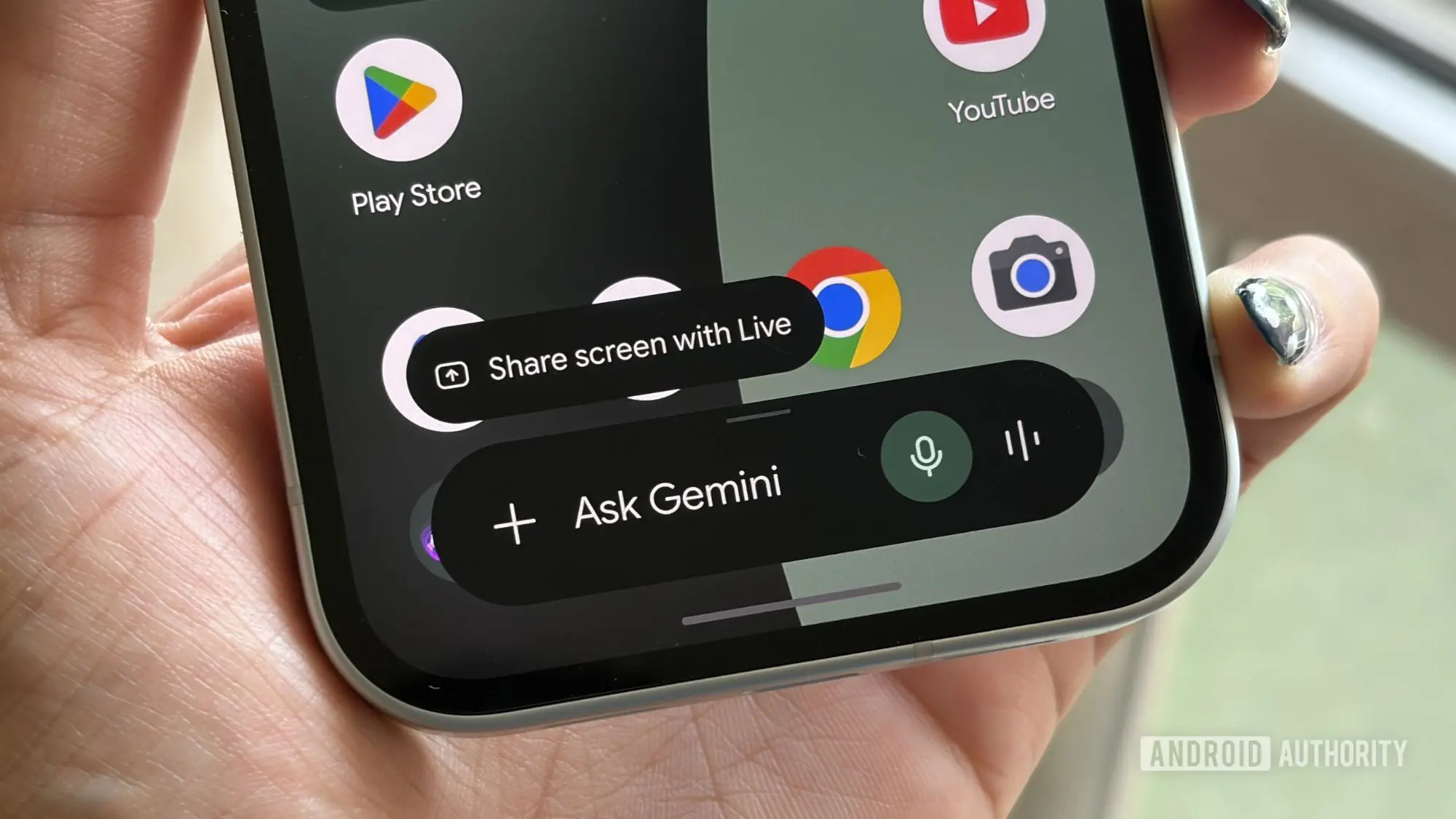
Google has officially rolled out the Play Store integration for its AI chatbot, Gemini. This new feature, announced back in May, is now live as the Google Play connected app for Gemini. It enables users to discover, install, and even make in-app purchases directly within a conversation with the chatbot. The move aims to simplify the often overwhelming task of navigating millions of apps available on the Google Play Store.
With the Play Store hosting over 3 million apps, finding the right one can be a challenge. Traditional search methods require scrolling through categories, reading reviews, and comparing features. Gemini's integration leverages natural language processing to understand user intent and provide personalized recommendations. For example, a user might say, 'Find a productivity app to help me with meal planning,' and Gemini will suggest relevant apps with direct links to their Play Store pages.
How the Integration Works
The connected app allows users to perform three main actions: discover apps, install them, and make in-app purchases. When a user asks for app recommendations, Gemini returns a list of options. Tapping on an app icon opens the Play Store detail page, where the user can proceed with installation. Similarly, commands like 'Show me in-app purchases for [App Name]' or 'Buy a Google Play gift card' initiate digital purchases within the chat interface. This seamless interaction reduces friction and keeps users engaged without switching contexts.
Behind the scenes, Gemini uses its understanding of user preferences and contextual cues from the conversation. It does not merely output search results; it curates them based on the user's phrasing. The integration also supports follow-up questions, allowing for iterative refinement. For instance, a user could ask for 'free meditation apps' and then narrow down by saying 'with guided sessions and no ads.' This dynamic conversation makes app discovery more intuitive.
Requirements and Setup
To use the Google Play connected app, users must meet several prerequisites. First, they must be 18 years or older. Second, the Google Play Store app must be installed on an Android phone. Third, they need to be signed into Gemini with a personal Google Account. Finally, the 'Keep Activity' setting must be enabled in Gemini's settings. Google explains that this setting is necessary to maintain conversational context and personalize recommendations over time.
Connecting the Play Store to Gemini is straightforward. Users simply open the Gemini app, ensure they are signed into the same account used for the Play Store, and then ask Gemini to find an app. If the connection hasn't been established, Gemini will prompt the user to enable it. Following the on-screen instructions completes the setup. The entire process takes less than a minute.
What This Means for App Discovery
The integration represents a paradigm shift in how users interact with app stores. Traditionally, discovery relied on top charts, editor picks, and search algorithms. While effective for popular apps, these methods often overlook niche or new applications. AI-powered discovery can surface apps based on specific needs, such as 'a budgeting app for freelancers' or 'a language learning tool with offline support.' This is particularly valuable for users who don't know the exact name of an app or who have complex requirements.
From a developer's perspective, the integration offers a new distribution channel. Apps that might not rank high in traditional search could gain visibility through conversational recommendations. However, it also raises questions about fairness and bias. Google has not disclosed the algorithm behind Gemini's recommendations, but it likely considers factors like app ratings, relevance to the query, and user history. Developers will need to optimize their app listings for conversational queries, similar to SEO but adapted for natural language.
Privacy and Security Considerations
Enabling 'Keep Activity' means Google retains a record of the user's conversations with Gemini, which can be used to improve the model. This raises privacy concerns for some users. Google assures that users can view, delete, or export their activity data at any time. Additionally, in-app purchases are processed through the Play Store's existing security infrastructure, so Gemini does not handle payment details directly. Users should still be cautious about sharing sensitive information in conversations, as AI models may not always handle data with the same privacy as human interactions.
Google has also implemented age restrictions to comply with regulations regarding minors' data. The requirement for a personal Google Account (not a school or work account) ensures that the integration is tied to consumer services. This separation helps protect enterprise data from being used for AI training.
Comparing with Other AI Assistants
Gemini is not the first AI assistant to integrate with an app store. Apple's Siri can open apps and make purchases, but it relies on device-level integration rather than conversational discovery. Amazon's Alexa supports skill discovery, but the Echo ecosystem is different from mobile. Gemini's approach is more conversational and proactive, similar to what Microsoft's Copilot does for Windows apps. However, Google's advantage lies in its vast data on user preferences and the ubiquity of Android. This integration could set a new standard for app discovery on mobile platforms.
The feature also aligns with Google's broader strategy of embedding AI into all its services. By making Gemini a central hub for tasks like finding apps, booking reservations, or controlling smart home devices, Google hopes to increase engagement with its assistant. The Play Store integration is a natural extension, given that apps are a core part of the Android experience.
Potential Impact on User Behavior
Early adopters are likely to embrace the convenience of asking Gemini to handle app discovery. Over time, this could reduce reliance on manual browsing and traditional search within the Play Store. Users may start using Gemini as a primary entry point for finding new tools. For power users, the ability to make in-app purchases via chat could streamline workflows, especially when buying subscriptions or add-ons. However, the feature may also lead to impulsive purchases, as the conversational interface makes it easier to buy without reading reviews thoroughly.
Google has not yet announced whether the feature will expand to other platforms like iOS through the Gemini app or web interface. Currently, it is limited to Android phones with the Play Store app. This is logical because the Play Store is deeply integrated into Android's system, allowing for seamless installation. On the web or iOS, similar integrations would require different technical approaches.
As AI continues to evolve, the line between search and conversation will blur further. Gemini's Play Store integration is a glimpse into a future where users don't browse apps—they talk to an AI that knows exactly what they need. For now, it's a useful tool that makes a routine task a little bit smarter.
Source:Android Authority News