

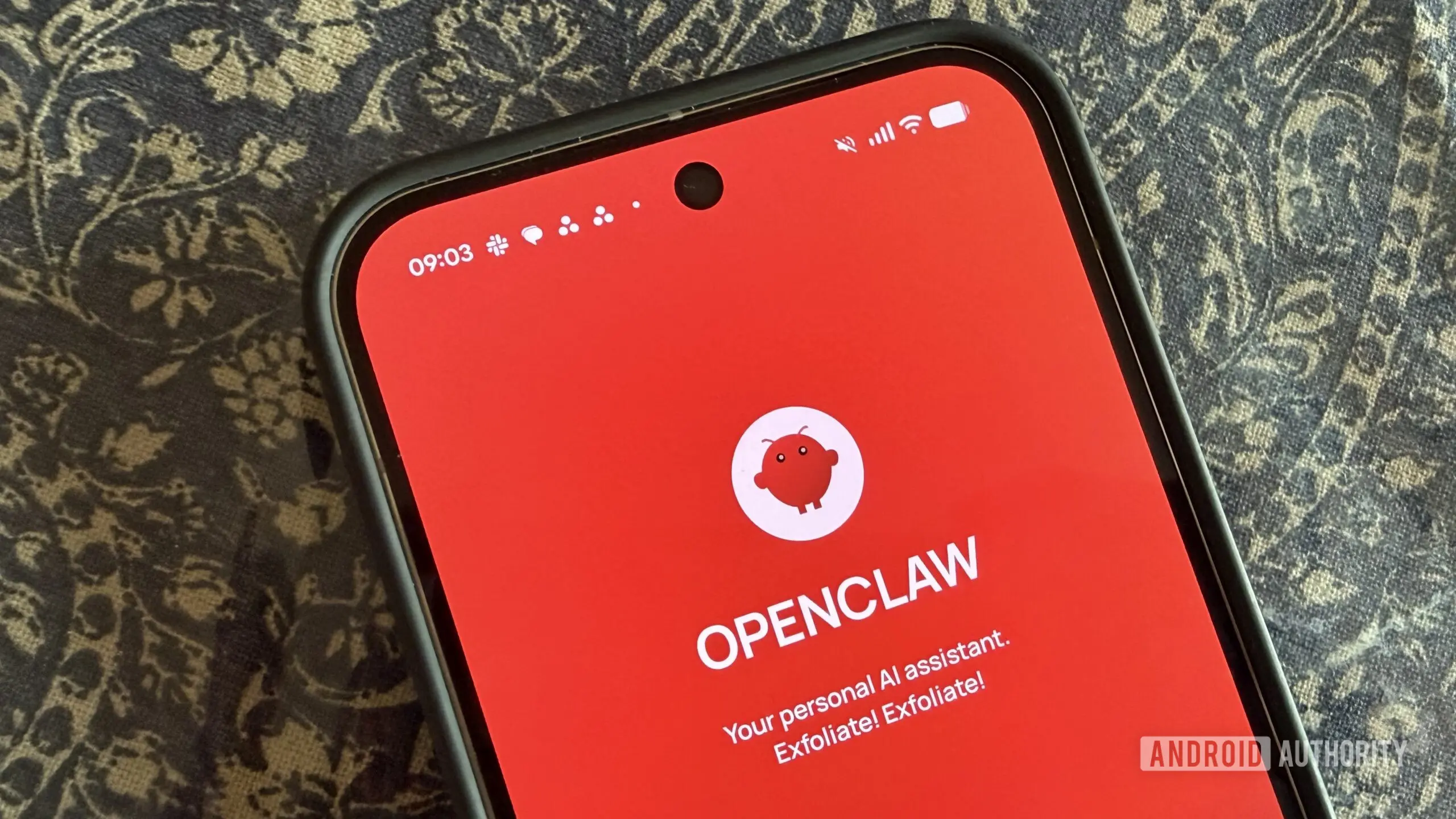
OpenClaw finally has an official app, but first impressions aren't exactly glowing
After months of anticipation, OpenClaw has officially launched its Android and iOS apps, giving users a native way to interact with the AI assistant from their phones. Unfortunately, the debut hasn’t exactly gone according to plan, and many early users are criticizing everything from the app’s interface to its setup process.
OpenClaw is an open-source AI assistant that runs on your local machine or a cloud server. Unlike typical chatbots that rely on remote servers, OpenClaw allows you to maintain full control of your data and configuration. The new companion app acts as a mobile interface for the OpenClaw Gateway, enabling real-time communication and automation management on the go. This launch is a milestone for the project, which had previously only offered web-based or command-line interactions.
The Launch and Key Features
OpenClaw’s announcement came via social media and the Google Play Store and Apple App Store listings. The app description highlights a set of features designed to make the open-source assistant more accessible. Users can pair with their private OpenClaw Gateway using a QR code or a setup code. Once connected, the app supports text chat, a real-time Talk mode with push-to-talk support, review and approval of actions requested by the Gateway, and push notifications for workflow status updates. Additionally, the app can access Android phone features like camera, screen, location, and notifications if permissions are granted.
Detailed Feature Breakdown
- Chat Interface: Send messages from your phone to your locally hosted AI model. The Gateway processes the query using your chosen model (e.g., LLaMA, Mistral, or GPT4All) and returns the response via the app. This ensures no data leaves your network unless you explicitly integrate cloud services.
- Talk Mode: A real-time voice interface that uses speech recognition on the Gateway or optionally on-device. The push-to-talk design reduces background noise and helps conserve battery. This mode is particularly useful for hands-free queries while driving or cooking.
- Action Approvals: OpenClaw can trigger automations—from turning on smart lights to sending emails. The app notifies you when an action requires approval, and you can accept or reject it instantly, adding an extra layer of security and control.
- Push Notifications: Get updates on long-running tasks or scheduled workflows. For example, if your Gateway monitors a server, it can alert you via the app if an anomaly is detected.
- Device Integration: Optional access to sensors and screens allows for context-aware automations. For instance, you could create a rule that asks the assistant to identify a plant using the camera, or to log a location-based reminder.
The local-first philosophy means that all encryption keys, configuration, and permissions reside on your Gateway. OpenClaw states that device access is managed through Android’s standard permission system, giving users granular control over what the app can see and do.
Initial Reception and Criticism
Despite the promising feature list, the community response has been largely negative. Several users on social media have complained about the app’s interface feeling unfinished and lacking polish. Others reported being unable to pair the app with their Gateway at all, even after following step-by-step guides. Among those who successfully connected, complaints of “nothing working” are common, suggesting backend or API issues. Some users expressed appreciation for the concept but criticized the execution, saying both Android and iOS versions feel “very raw.”
This feedback echoes challenges frequently seen in open-source projects where development resources are finite. The app appears to have been released in a state that some users feel is too rough for public consumption. However, first-day bugs are not unusual, and the OpenClaw team has a history of actively responding to community input. The project’s GitHub repository already shows new issue tickets being addressed, and the developers have promised fixes in upcoming updates.
Technical Setup and Pairing Issues
The pairing process involves generating a QR code or setup code from the OpenClaw Gateway web interface and scanning it with the mobile app. The app then establishes an encrypted connection. However, many users have encountered difficulties during this step, ranging from code scanning failures to timeouts. Some attribute the issues to network configuration problems—such as the Gateway not being on the same subnet—while others point to software bugs in the app itself. OpenClaw recommends that users ensure their Gateway is accessible over the local network and that the app has proper network permissions. The developer team has acknowledged these problems and indicated that a stability patch is in the works.
How OpenClaw Compares to Cloud-Based Assistants
To understand the significance of this launch, it helps to compare OpenClaw with mainstream AI assistants like ChatGPT, Google Assistant, or Amazon Alexa. The primary differentiator is data privacy. Cloud assistants process user queries on remote servers, which means conversations are stored and often analyzed for advertising or model training. OpenClaw runs everything locally, so no data leaves your home network unless you choose to connect external services. This makes it attractive for privacy-conscious users, businesses handling sensitive information, or anyone concerned about vendor lock-in.
Another advantage is cost. While cloud-based assistants may require subscription fees for premium features (e.g., ChatGPT Plus), OpenClaw is free and open-source. The only costs are hardware (a Raspberry Pi 4/5, an old laptop, or a cloud server) and electricity. For advanced users, running newer models may require a GPU, but many lightweight models run efficiently on ARM CPUs.
However, there are trade-offs. Cloud assistants generally have access to vast proprietary models that outperform open-source alternatives in many benchmarks. They also integrate deeply with commercial ecosystems (smart speakers, calendar, email). OpenClaw’s responses depend on the model you choose and your hardware’s capabilities. Latency can be an issue on low-power devices. Additionally, setting up and maintaining an OpenClaw Gateway requires technical know-how—it is not as plug-and-play as buying a smart speaker.
The Evolution of OpenClaw
OpenClaw started as a hobby project by a developer who wanted a private AI assistant that could run on a Raspberry Pi. Over time, it grew into a community-driven platform supporting multiple AI backends, plugin architectures, and a growing library of automations. The Gateway software is written in Python and uses a modular design, allowing users to write custom connectors for services like Home Assistant, Nextcloud, or weather APIs. The mobile app was one of the most requested features in the community, and its arrival—despite teething problems—represents a significant step toward mainstream adoption.
The project’s open-source nature means that contributions come from volunteers around the world. This has both strengths and weaknesses: rapid iteration and diverse ideas, but also inconsistent quality control. The mobile app was likely built by a small team, which explains the current rough edges. As more eyes review the code and user feedback flows in, the app is expected to improve quickly.
Security and Privacy Considerations
OpenClaw’s architecture keeps your data on your own hardware. The mobile app communicates with the Gateway over a local network (or optionally via a secure tunnel if you enable remote access). All traffic is encrypted using industry-standard protocols. The app does not have its own cloud backend; the Gateway is the single point of contact. This means there is no risk of a central server being compromised or selling your data. For users who grant device permissions, the app only processes data locally—for example, analyzing camera frames on the Gateway to answer a question—and nothing is sent externally.
However, users must maintain their own security: keeping the Gateway software updated, using strong passwords, and properly configuring network access. The OpenClaw documentation provides guidance on best practices, including how to set up a firewall and enable automatic updates.
What’s Next for OpenClaw Mobile?
Despite the rocky start, the release of official mobile apps marks a pivotal moment. It opens the door for a wider audience who may not be comfortable with command-line interfaces or web dashboards. If the development team can address the bugs and improve the user experience, the app could become a key part of the personal AI landscape. The community is already sharing workarounds and feature suggestions, such as better error messages during pairing, a more intuitive UI, and support for tablets.
For now, users interested in trying the app should prepare for some initial friction. It is advisable to ensure that the Gateway is running the latest firmware, that network settings are configured correctly, and that any firewall rules allow traffic between the phone and Gateway. The OpenClaw community forums and Discord server are excellent resources for troubleshooting and tips.
The intersection of local AI and mobile computing is still in its early stages. OpenClaw’s app may be rough around the edges, but it represents a step toward a future where AI assistants are truly personal and private. As the software matures, it could challenge cloud-based alternatives by offering comparable functionality without sacrificing user control. The coming weeks will be critical as the developers push updates and the community provides feedback to shape the app into a polished product that lives up to OpenClaw’s potential.
Source:Android Authority News